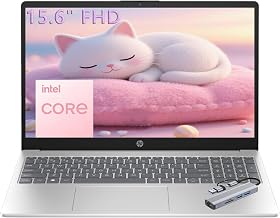
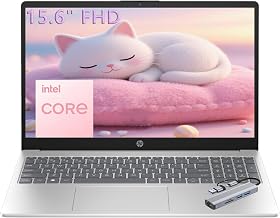
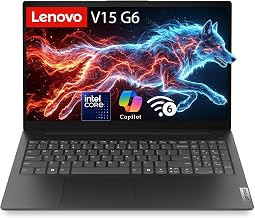
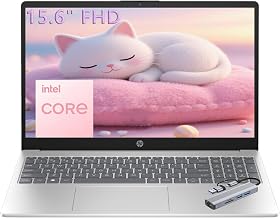
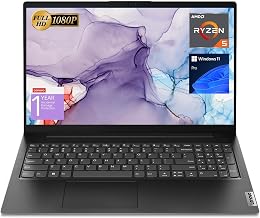
The best laptop for personal use isn’t the one with the flashiest spec sheet — it’s the one that quietly handles everything you throw at it, from browsing and email to streaming, light photo edits, and video calls. For 2025 and into 2026, that means a comfortable screen, enough memory to multitask, and battery life that lasts through a day without hunting for an outlet.
We’ve gathered a strong lineup of everyday laptops from ASUS, Lenovo, HP, and Acer, spanning traditional clamshells and touchscreens across a range of budgets. Below is how to choose the right one, followed by our picks reviewed in plain language.
As an Amazon Associate we earn from qualifying purchases.


How to Choose a Laptop for Personal Use
- Processor: A modern Intel Core i7 or AMD Ryzen 7 keeps everyday tasks and multitasking smooth; Core i5/Ryzen 5 is plenty for lighter use.
- Memory: Aim for 16GB of RAM so you can keep many tabs and apps open without slowdowns.
- Storage: An SSD is essential for fast boot and load times; 512GB is a comfortable starting point.
- Display & size: A 14- to 15.6-inch FHD screen balances portability and comfort; touchscreens add convenience.
- Battery & weight: Look for all-day battery and a light chassis if you move around the house or travel often.
The Best Personal-Use Laptops Reviewed
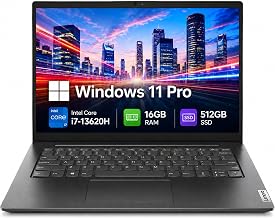
ASUS Vivobook 14 (Core i7)
A well-rounded 14-inch machine with a 10-core Intel i7, 16GB of RAM, and generous storage. Its AI features and Windows 11 Pro make it a capable, portable daily driver.
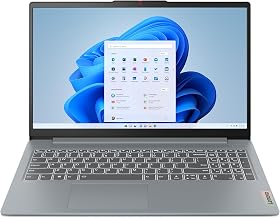
Lenovo IdeaPad Slim 3 (Ryzen 7)
A 15.6-inch FHD touchscreen powered by an 8-core Ryzen 7, with 16GB DDR4 and a fast SSD. Great for browsing, media, and casual multitasking with a bigger, touch-friendly display.
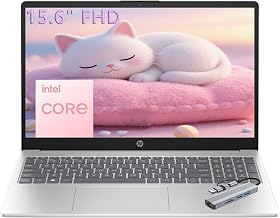
HP Ultrabook 14 (16GB)
A slim, light 14-inch laptop in a stylish Lavender finish, offering 16GB of RAM and expanded storage. A comfortable pick for writing, web use, and everyday productivity.
HP 14 Flagship (AI-Powered)
An AI-ready 14-inch laptop with 16GB of memory and long battery life, aimed at students and home users who want dependable all-day performance in a portable shell.
Acer Aspire Go 15 (Ryzen 7)
A 15.6-inch FHD IPS laptop with a Ryzen 7 7730U, 16GB DDR4, and a Gen4 SSD. The larger screen and solid specs make it a strong value for home and family use.
Frequently Asked Questions
How much RAM do I need for personal use?
16GB is the sweet spot for smooth multitasking with browsers, streaming, and office apps. 8GB works for very light use, but 16GB feels far more comfortable.
Is an SSD really necessary?
Yes. An SSD dramatically speeds up boot times, app launches, and file transfers compared to older hard drives — it’s the single biggest everyday upgrade.
Should I get a touchscreen?
Touchscreens are convenient for scrolling and casual navigation but add a little cost and weight. Choose one if you value the interaction; skip it to save money.
Do I need an AI-powered laptop?
AI features can help with productivity and creative tasks, but they’re a bonus, not a necessity. Focus first on CPU, RAM, storage, and battery.
Final Thoughts
For most people, a 14- to 15.6-inch laptop with a modern Ryzen 7 or Core i7, 16GB of RAM, and an SSD covers personal use beautifully. The ASUS Vivobook and Acer Aspire Go stand out for balance and value, while the HP and Lenovo options suit those who prioritize style or a touchscreen. Pick the size and features you’ll actually use, and any of these will serve you well for years.